 It’s easy to synchronize your paragraph and character styles using InDesign’s Book feature (done after the documents are added to your Book panel). We’ll explain how to do that, and also how to transfer styles from one document to another (this method can be used before the documents are added to your Book panel).
Book edge treatments

Fore edge painting: JoyfullyTessaStudios
Book edge treatments include anything that is applied to the edges of a book’s pages. This includes paint or gilding, or even patterns cut into the paper. Some treatments are done during a book’s production at the printer or bindery, and others are applied manually after a book is printed and bound.
We’ve compiled some ideas to inspire you about creative and fun ways to jazz up your books. [Read more…]
A style sheet template for your book
 Having a style sheet for your book helps to keep spelling and punctuation consistent throughout. It usually includes a section for each letter of the alphabet, and a space for notes at the bottom. It’s easy to create one while you’re writing your book, and you’ll be able to use it for your book’s website, marketing materials, and everything else you’ll be producing as an author. Below is a template to get you started.
Writing your back cover copy
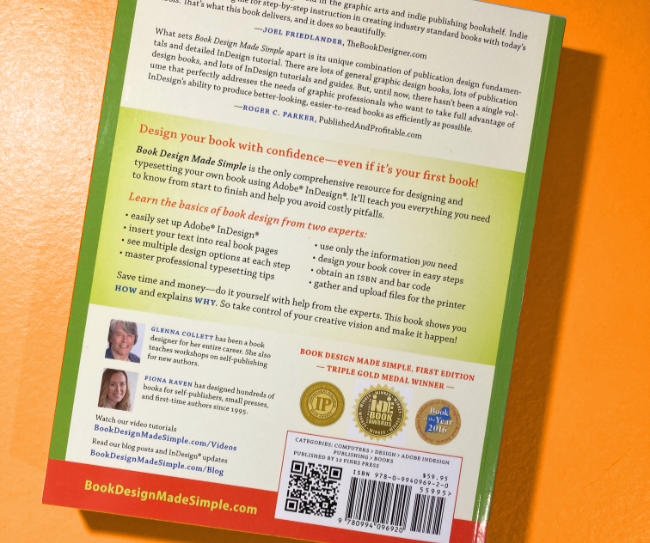 Back cover copy is the text that goes on your book’s back cover. Everyone judges a book by its cover (you know that!), and your front cover only gets a few seconds to grab a reader’s interest. However, once a reader picks up your book and flips to the back cover, this is your big chance to sell that book. You need to convince that reader to buy using compelling back cover copy.
[Read more…]
Our 10-year adventure in self publishing
 Self publishing is an adventure, especially when sharing the ride with a coauthor! Having a coauthor means having someone to depend on, someone to finish what you cannot, someone to push you along, and someone to come up with fresh ideas. And we think our collaboration has truly been ideal. We recently realized that it’s been ten years for us, so we decided to commemorate the anniversary with an online conversation.
Advanced live index features in InDesign
 InDesign’s live index includes some great advanced features: you can add italics to the index, add bold page numbers for illustrations, and even create a live index across several documents using InDesign’s Book feature.
Be sure to first read our earlier blog post, Create a live index in InDesign, to learn the basics of creating a live index. [Read more…]
Create a live index in InDesign
 It’s easy to create a live index for your book in InDesign, and there’s a major benefit to doing so: If you move any of your text, the index markers stay with the text and the index automatically updates!
In Book Design Made Simple, we explain how to create paragraph styles for indexes, how to import an index from Word, and how to typeset an index. Here, we’ll explain the simplest way to create a live index in InDesign.
[Read more…]
Amazon updates for book authors
 Trying to keep up with Amazon updates? So are we! There’ve been a few changes lately, so we’re discussing them here to keep you up to date. The main Amazon updates for book authors are: 1) EPUBs are replacing MOBIs for reflowable Kindle ebooks, 2) hardcover binding is now an option, and 3) A+ Content is available for your book’s product page on Amazon. Let’s break it down for you.
ISBNs for self publishers: how to get and assign them
 International Standard Book Numbers (ISBNs) are important for self publishers. Some printers, print-on-demand publishers, and ebook vendors will offer to provide you with an ISBN, but it’s usually better to get your own. Part of the ISBN includes a “publisher number,” which is assigned to a specific publisher. Therefore, if you allow another company to provide the ISBN, then that company will be listed as the publisher of your book.
We’ll explain everything you need to know: how, where, and why to get your own block of ISBNs, and how to assign them to your print and digital books.
How to fix book typesetting and layout issues in InDesign
 Book typesetting and layout tips are usually about the small stuff—fixing awkward hyphenation, using special characters for symbols, and so on—but most of the questions we get are about the BIG issues. How can I balance the number of text lines on facing pages? What if the last page of my chapter only has two lines? If my chapter has to end on a right-hand page, can I leave it blank? These issues arise all the time during book typesetting. We’ll explain the best ways to resolve them. [Read more…]

